Send a change order
Write it on the job before the extra work starts, and the client signs it from their phone.
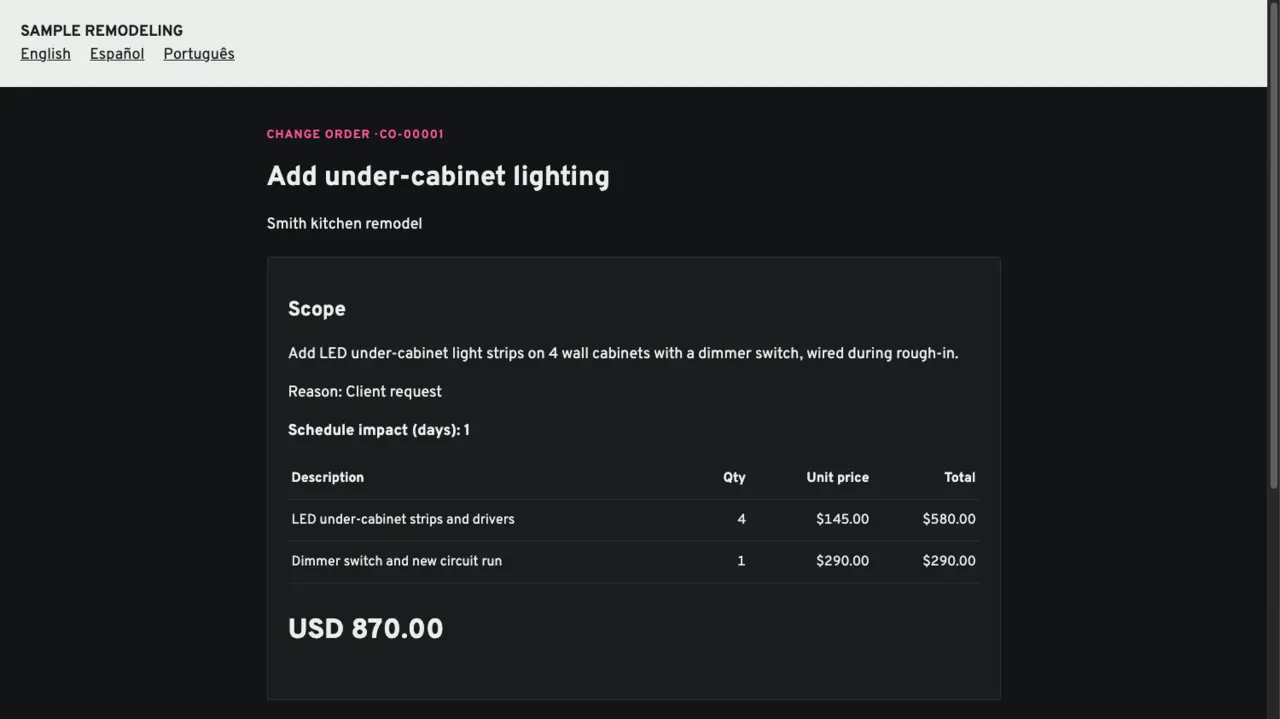
Open the job's change orders and add one.
Scope, line items with cost and price, the schedule days it adds and the reason.
Send it.
The client gets a link. It is valid for 30 days.
The client approves.
They review it and approve with their name, email and consent to sign electronically. If you asked for a deposit, they pay it in the same step.
It lands everywhere.
The contract amount, the budget and the next draft invoice update, the schedule shows a notice.
Declined or wrong?
A declined change order stays on the job with its history. One sent by mistake can be voided.
Keep reading
Questions? Write to hello@groundflag.com