Write the daily log by voice
One log per job per day. Crew hours and weather are already there; you say the rest.
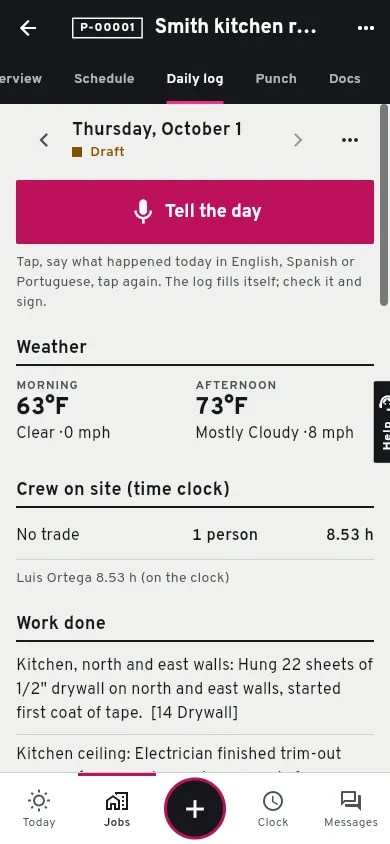
Open the job, then today's daily log.
Crew and hours come from the time clock; weather fills itself for US addresses.
Tap the button and talk.
Say what was done, who was there, what arrived, what failed inspection and what held you up, in English, Spanish or Portuguese. Tap again to stop.
Check the fields.
Groundflag puts each fact in its place. Fix anything that is off; whatever it could not place is in the notes.
Add photos.
Up to 60 per log, from the camera or the phone's photos.
Sign.
A signed log is frozen with your name and the time. Need yesterday's subs and equipment again? Copy yesterday before you start.
Sharing it
Download the PDF, which comes out in the reader's language, or copy the short client summary Groundflag writes in the client's language into your own message. The office can read a log written in Spanish in English with the translation button.
Questions
The microphone does not start.
Allow the microphone for app.groundflag.com when the phone's browser asks; if you said no before, turn it on in the browser's site settings.
Keep reading
Questions? Write to hello@groundflag.com