Use Groundflag on the phone
Groundflag runs in the phone's browser, with a bottom bar made for the field: Today, Jobs, Capture, Clock and Messages.
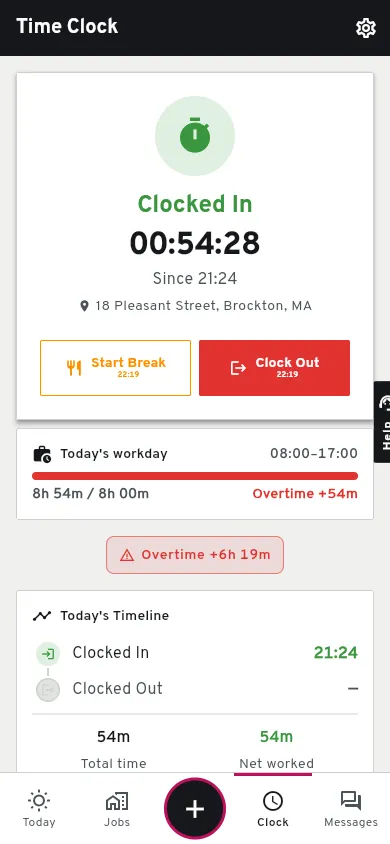
Open app.groundflag.com on the phone.
Log in with the same account you use on the computer.
Add it to the home screen.
iPhone: Share, Add to Home Screen. Android: the browser menu, Add to Home screen. It opens full screen, like an app.
Allow location and the microphone.
Location is read when you clock in and out; the microphone is for the daily log by voice and Capture.
No signal
Groundflag needs a connection today. The App Store and Google Play apps that keep working with no signal are the February 2027 target.
Keep reading
Questions? Write to hello@groundflag.com