The sheet, the revision, and the pin that stays with it.
A drawing set lives on the job. You type the sheet number as you upload. Uploading that number again adds a revision, and the previous one stays readable.
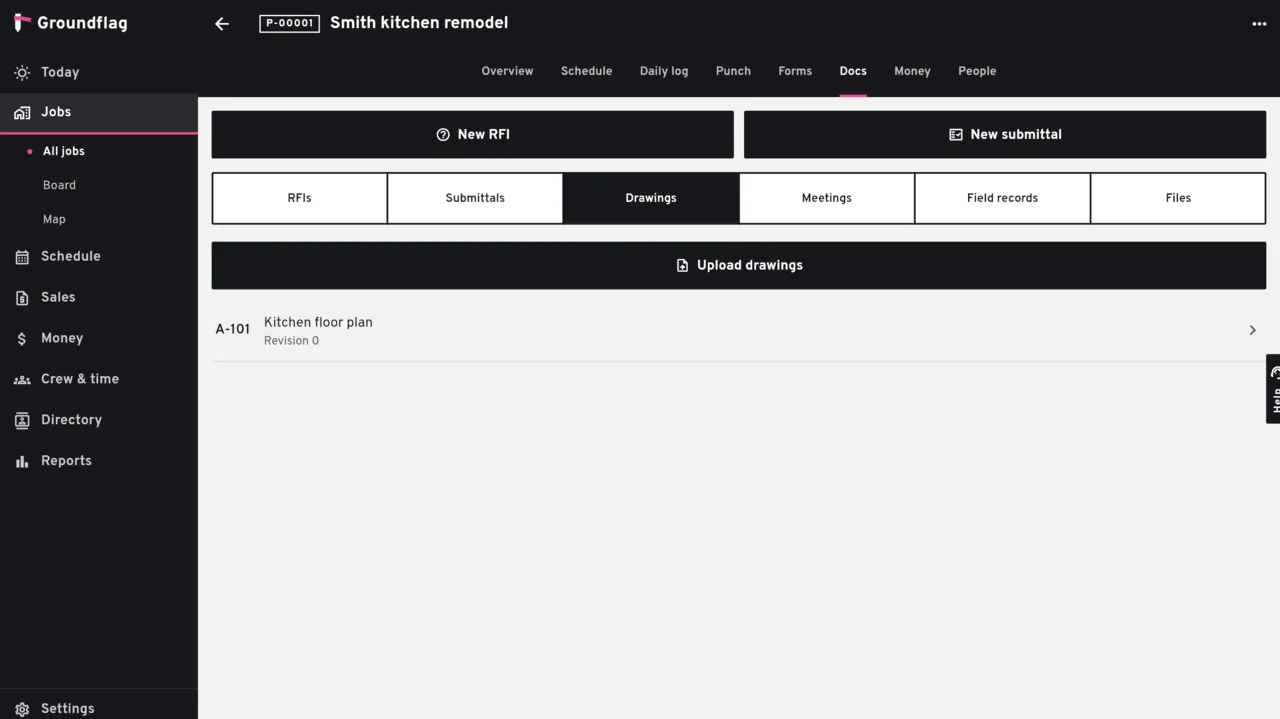
What a sheet holds
Revisions.
Each revision is one page of a file already stored on the job. The current revision is the one the crew opens.
Markups on the page.
A pin, a pen stroke, a box or a line of text. The point is stored as a fraction of the page, so it stays put when you zoom.
A pin that follows.
A pin tied to an RFI or a punch item is copied onto the new revision. A loose scribble stays on the revision where it was drawn.
How the file gets there
The PDF is uploaded as a job file, the same upload the job already uses. Groundflag does not split the PDF on the server: the app draws the page on the device. The sheet number is typed (1, 2, 3… unless you change it). There is no scan of the title block.
Not yet
Reading the sheet number off the title block is not in this module. A repeated upload of the same sheet with the same client token does not stack another revision.
Questions
Where do I open a drawing from an RFI?
The RFI editor shows View on the drawing when the pin is tied to that RFI.
What happens to the old revision?
It stays. You can still open it, and the viewer tells you it is not the current one.
Keep reading
Questions? Write to hello@groundflag.com