The spec book proposes. You confirm the submittal.
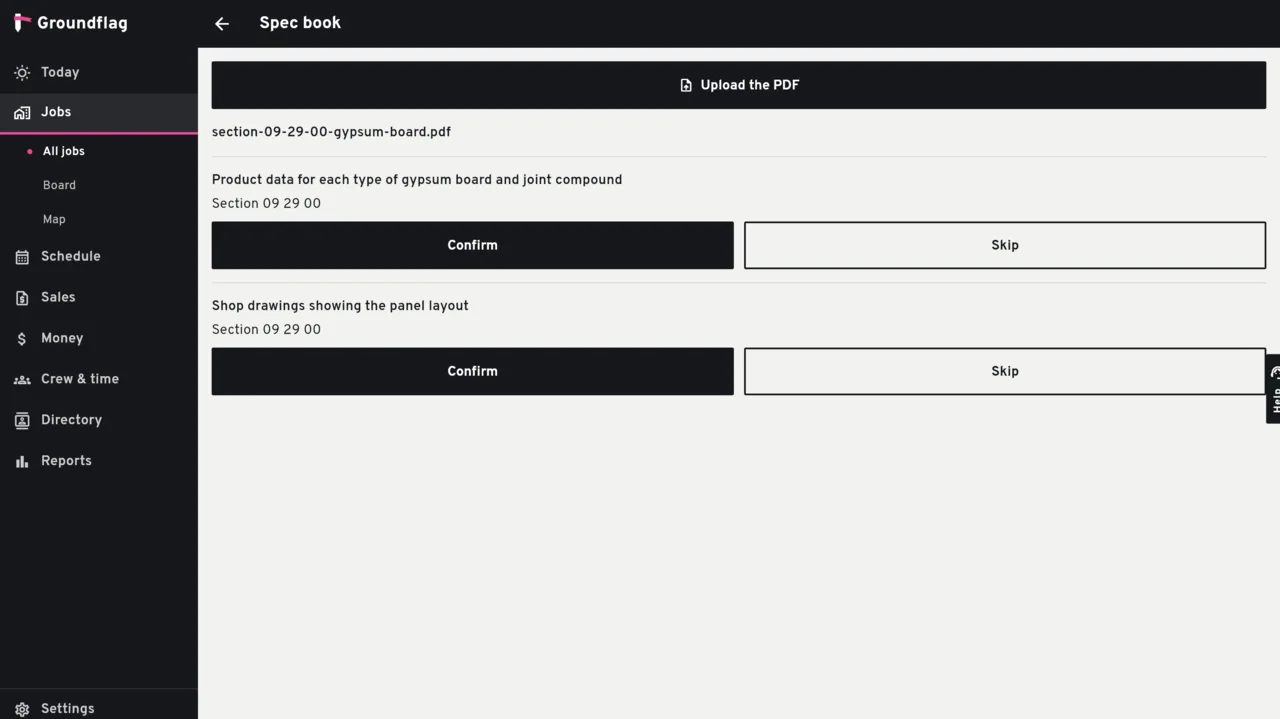
You upload the specification as a PDF on the job. Groundflag reads the text and proposes a submittal register by section. Nothing is filed until you confirm a line.
What the model is allowed to do
Propose.
It suggests up to 40 lines: section and item. An empty section or item is dropped. A date is kept only when it is a real calendar date; a phrase like next week is dropped.
Stop when there is no text.
A scanned page with no text layer is refused, and the model is not called. A book longer than the limit is marked truncated, and the screen says so.
Confirm.
The line you confirm becomes a draft submittal. The responsible person and the due date, when the proposal had them, are written into the notes. Skipping a line does not create a submittal.
Not yet
The submittal itself has no separate fields for a free-text assignee or a due date in this module: those two stay in the notes. Confirming the same line again does not create a second submittal.
Questions
Does the AI file the submittal?
No. It proposes the line. You confirm it, and it is created as a draft.
What if the PDF is a scan?
If the page has no text, Groundflag stops and does not call the model.
Keep reading
Questions? Write to hello@groundflag.com