Let clients request changes on an estimate
A client who wants a bigger vanity should not have to decline the whole job. With Request changes on, they tell you what to change from the estimate link and the estimate stays open.
Turn it on once.
Settings, Client portal, then switch on Request changes on estimates. It is off until you turn it on.
Send the estimate as usual.
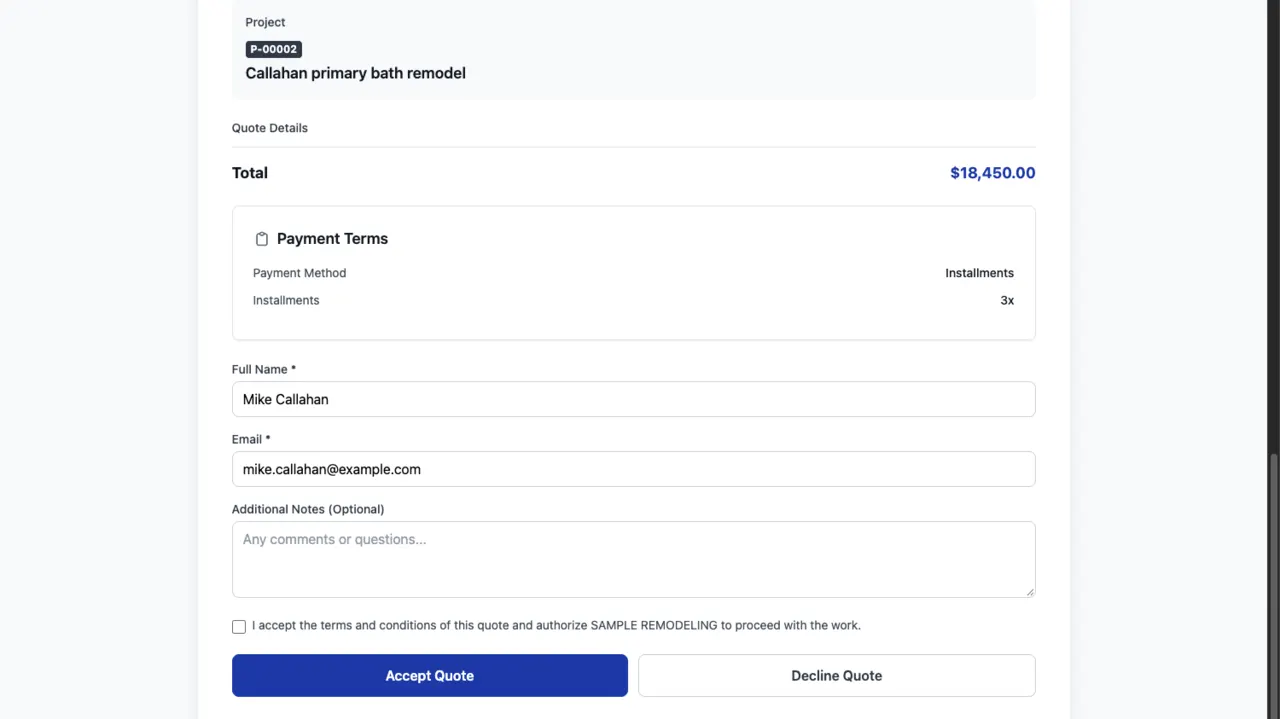
The client opens the link in the e-mail and sees Accept estimate, Decline estimate and, under them, Request changes.
The client writes what to change.
For example: swap the vanity for a 48 inch one. The estimate keeps the Sent status, so they can still accept it.
You get the request.
The person assigned to the estimate and the company admins get an e-mail and a notification that opens the estimate. The request is also in the estimate history.
Revise and send again.
Edit the estimate and send it. The client accepts the new version from the same kind of link.
What changes for the client
Only the estimate page from the e-mail link gets the Request changes link. Accept and Decline work as before.
Questions
Does it cost extra?
No. It is part of the client portal on every plan.
Can I turn it off later?
Yes. Switch it off in Settings, Client portal; the link disappears from every estimate page.
Keep reading
Questions? Write to hello@groundflag.com