The client picks the finish against the allowance.
Add the options on the job, with a photo and a price. Your client opens a link, picks one and signs. If the pick runs over the allowance, Groundflag drafts the change order for you to send.
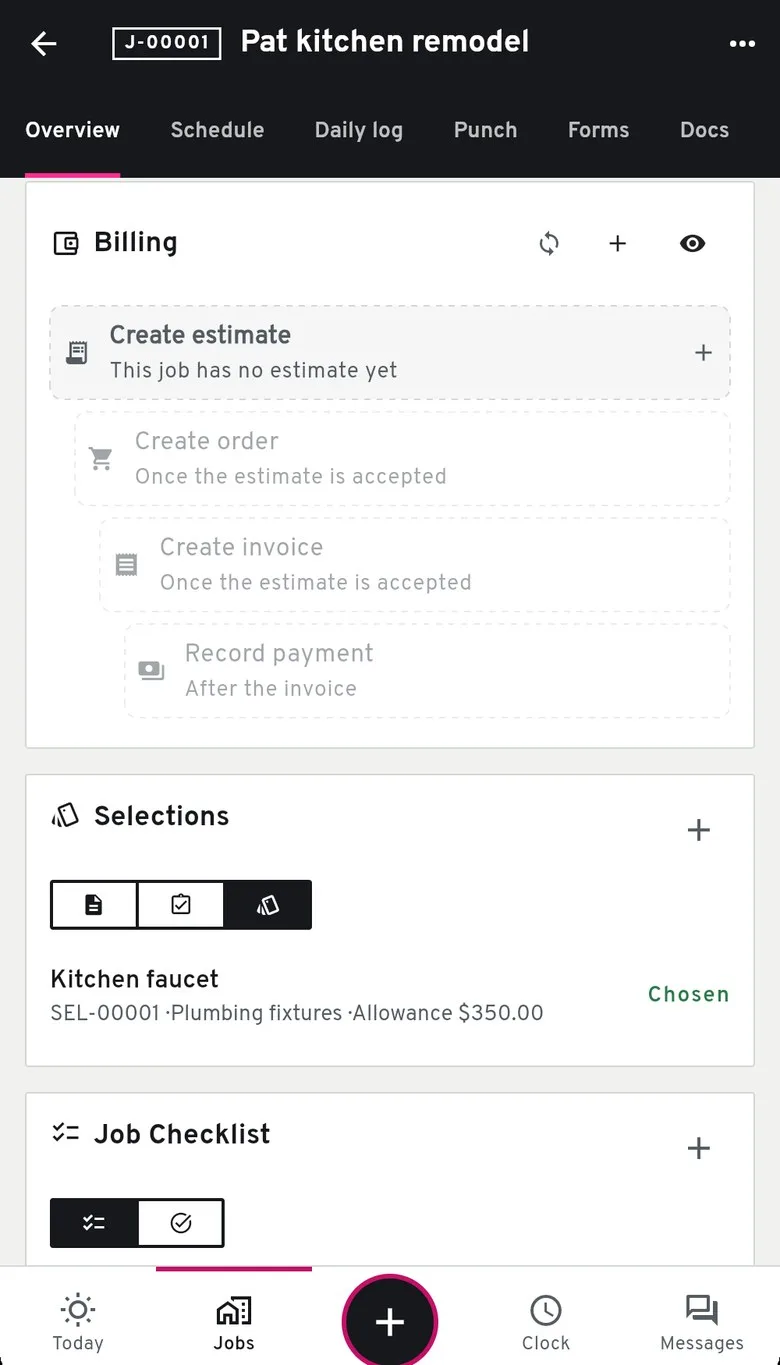
On the job
The allowance.
Each selection has a title, a category, an allowance, a due date and a note the client can read.
The options.
Each option has the product, the vendor, the price the client pays, a link to the product page and a photo you upload.
Send it
Send to client locks the draft and gives you a link to copy or share. Groundflag does not email that link yet.
What the client does
The client opens the link with no account. Each option is a card with the photo, the price and whether it sits over or under the allowance. They pick one and sign with their name, email and consent. Signing the same choice again changes nothing. A different choice after the signature is refused.
The money
Over the allowance, Groundflag drafts the change order for the difference. You review it and send it from the job's Money screen. The client's tap does not charge anyone.
Under the allowance, the screen shows how much is left and tells you to credit it on the next invoice. A credit change order is not created yet.
Not yet
Comments on an option, a reminder before the due date, importing options from a spreadsheet or a vendor page, and tying the choice to a purchase order or to the job budget by cost code.
Questions
Does the client need an account?
No. The link opens the selection, the same way a change order link does.
What if the pick costs more than the allowance?
Groundflag drafts a change order for the difference. You review it and send it. The pick itself does not charge the client.
What if the pick costs less?
The screen shows the amount left and tells you to credit it on the next invoice.
Keep reading
Questions? Write to hello@groundflag.com