Replacing CoConstruct? Choose where your jobs go next.
Looking for a CoConstruct alternative? Buildertrend bought CoConstruct in February 2021 and is moving its builders over. If you have to move anyway, it is a good moment to look at more than one place: below is what the migration says, where Groundflag fits, and the other tools builders compare.
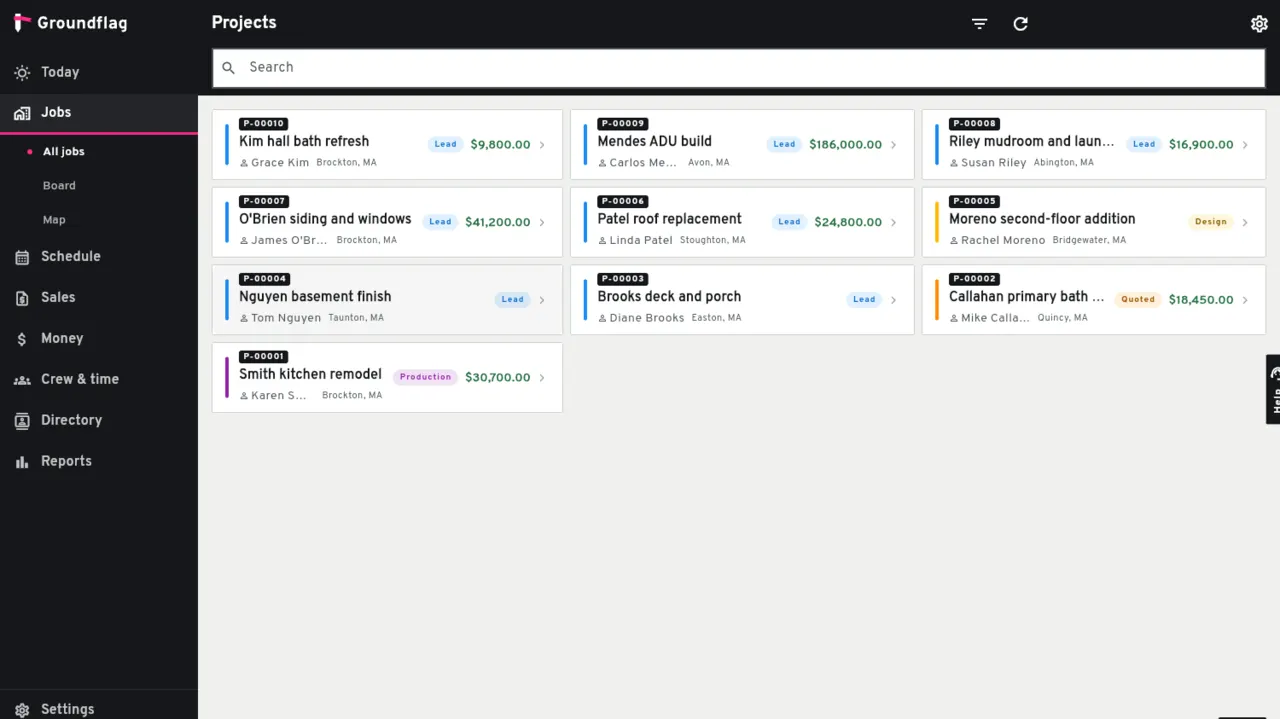
What CoConstruct says about the migration
CoConstruct's official migration page says projects can still be added through March 31, 2027, that no project data will be lost and that historical data stays viewable. It describes onboarding to Buildertrend over the first three months, with new projects in Buildertrend from the fourth.
In November 2026 the CoConstruct home page says the transition to Buildertrend is entering its final phase, and lists what the move gives you: specs, selections, task management, AI client updates, plans, signatures and budgeting. The table below puts each one next to Groundflag.
Read the page yourself before you plan: dates and terms are theirs, and they may change.
Before you move
Export what you have.
Clients, contacts, vendors, jobs and documents: you will want them whichever tool you choose.
Count your people.
Groundflag charges per company, so the crew, subs and clients log in at no cost.
Check the languages your crew speaks.
Every Groundflag screen is in English, Spanish and Portuguese.
Where Groundflag fits, and where it does not yet
Groundflag works today for estimates and proposals the client accepts online, a schedule with dependencies, daily logs by voice, change orders, budget and job costing, invoices and the time clock. Selections against an allowance are live in a simple form: options with photos, the client picks and signs on the portal, and going over drafts the change order. CoConstruct went deeper on selections; if that depth is the center of how you work, try it on a job before you move.
Other CoConstruct alternatives
Builders leaving CoConstruct usually compare a few tools. Each has its own side-by-side page with sources:
Buildertrend.
Where CoConstruct is sending you. Built for residential builders with volume; it quotes its price instead of publishing it.
JobTread.
Strong estimating, budgets and job costing; it charges for each office user.
Contractor Foreman.
A long feature list at a lower price; its plans are set by how many users you have.
Houzz Pro.
Made for design-build and remodelers who sell with mood boards, 3D and selections.
Groundflag.
One published price for the whole company, every screen in English, Spanish and Portuguese, and a daily log by voice.
Side by side
| Groundflag | CoConstruct | |
|---|---|---|
| Where new projects go | Groundflag, from the day you start | Buildertrend from month 4 of the move; CoConstruct takes new projects only through March 31, 2027 |
| Card to start | None: 30 days free, no card | Credit card verification to open the Buildertrend account, not charged at that point |
| Price | Published: Crew is $149 a month for the whole company | Buildertrend quotes its price instead of publishing it |
| Your old projects | Leads come in by CSV; keep the rest with Download Project Data | History stays viewable in CoConstruct |
| Specs | Upload the spec book PDF: Groundflag proposes submittals by section, and only a line you confirm becomes a draft | Specs in Buildertrend after the move |
| Selections | Options with a photo and a price; the client picks and signs on the portal, and going over the allowance drafts the change order | Selections in Buildertrend after the move |
| Client updates | Update client drafts the week's update from daily logs, photos and signed change orders, in the client's language, and you send it | AI progress updates in Buildertrend |
| Plans | Drawing sets on the job; each sheet keeps its revisions, and an RFI or punch pin follows the sheet | Plans in Buildertrend |
| Signatures | The client signs estimates and contracts and approves change orders on the portal | Signatures and annotations in Buildertrend |
| Budget | Budget, committed and actual by cost code on every job | Budgeting in Buildertrend |
Questions
Is CoConstruct shutting down?
CoConstruct is moving its builders to Buildertrend. Its migration page says projects can still be added through March 31, 2027, that no project data will be lost and that historical data stays viewable. Check that page for your own dates.
Buildertrend vs CoConstruct: what changed?
They are one company now: Buildertrend acquired CoConstruct in February 2021. CoConstruct builders onboard to Buildertrend over about three months and start new projects there from the fourth.
What are the best CoConstruct alternatives?
Buildertrend, where the migration leads, plus JobTread, Contractor Foreman, Houzz Pro and Groundflag. CoConstruct was known for selections, so try yours on a real job first.
Can I import my CoConstruct data?
Your leads, yes: click Export on the Leads page in CoConstruct and import the CSV in Groundflag with CoConstruct as the source. Keep the rest with Download Project Data. Write to us if your file looks different and we will help map it.
Is there a contract?
No. Monthly plans have no contract, and the first 30 days are free with no card.
Sources
- Buildertrend acquires CoConstruct (press release), checked on February 24, 2021
- CoConstruct migration page, checked on October 29, 2026
- CoConstruct home page: what the move to Buildertrend gives you, checked on November 4, 2026
Keep reading
Questions? Write to hello@groundflag.com