Getting started with Groundflag
From sign-up to the first estimate in the client's inbox. You have 30 days free and no card is asked.
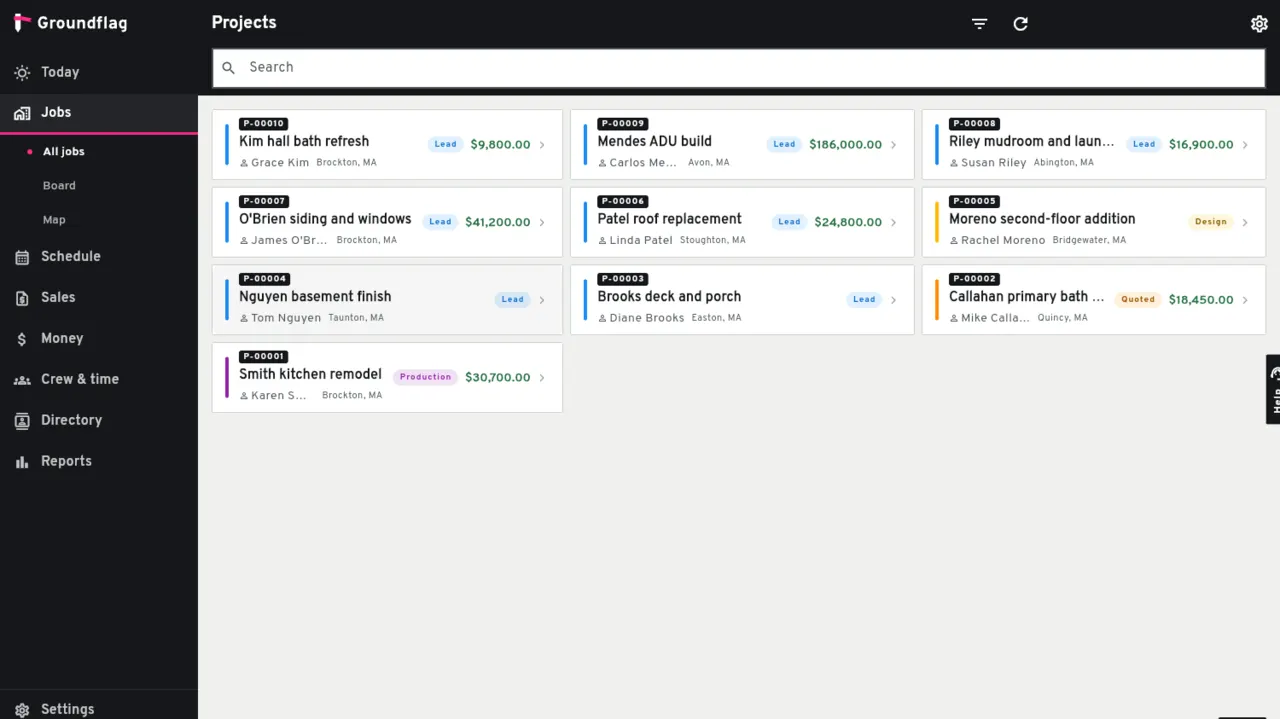
Sign up.
Go to app.groundflag.com and choose Start free, with your email or your Google account. Pick English, Spanish or Portuguese; you can change it any time.
Confirm your email.
Open the link we send. Until you do, you can set everything up, but invitations and anything sent to a client wait.
Set up the company.
Name, address, logo and the address of your client portal. Settings, Company, holds the rest: work hours, holidays, document numbering, templates.
Invite your team.
Each person gets an email and picks their own language. There is no seat fee: invite the whole crew.
Add a client and a job.
The job is where everything hangs: schedule, daily logs, photos, money.
Send the first estimate.
Add the lines, send it, and the client accepts it online. Accepted, it becomes the job's budget.
What next
Connect your payment account so clients can pay invoices by card (see Payments) and build the job's schedule. Have your data in another tool? Read Moving from Contractor Foreman.
Questions
What happens after 30 days?
We email you before the trial ends. To keep going, choose a plan in the app; if you do not, nothing is charged.
Keep reading
Questions? Write to hello@groundflag.com