A Houzz Pro alternative for remodelers who run the job, not just sell it.
Houzz Pro is strong at winning and designing the project: a marketplace profile, 3D floor plans, mood boards and selection boards. Groundflag is built for what happens after the yes: the schedule, the crew in the field, change orders and what the job really costs.
Where Houzz Pro is strong
Houzz Pro turns 2D plans into 3D floor plans, keeps mood boards and selection boards the client approves with one click, clips products from vendor sites, and gives clients a dashboard with the timeline, payments and messages. It also offers homeowner financing and leads from the Houzz marketplace. If design and selections drive your sale, those are real strengths.
Where Groundflag goes further
A crew that speaks Spanish.
Every screen works in English, Spanish and Portuguese, per user, and the foreman dictates the daily log in any of the three; Groundflag drafts it for review and signature.
A schedule that moves.
A Gantt with task dependencies: move one task and the ones after it follow.
The job money, by cost code.
Budget, committed and actual by cost code, purchase orders and subcontracts, change orders the client signs in the portal, and invoices paid by card or ACH.
Time from the field.
The crew clocks in on the phone, and the PM approves the timesheets.
The price on the page.
Every plan is on our pricing page, every user included and month to month. We did not find one public Houzz Pro price list to compare against, so ask Houzz Pro for a quote for your team size.
Know what is not there yet
Groundflag has no selection boards or allowances yet, no 3D floor plans or mood boards, no homeowner financing, and no marketplace that sends you leads. Leads from Houzz do not flow into Groundflag yet. On iPhone, Groundflag runs as a web app for now; the native app is on Android. If you sell on design and selections, Houzz Pro covers more of that today.
Side by side
| Groundflag | Houzz Pro | |
|---|---|---|
| Selection boards | Not yet (on the roadmap with allowances) | Clients approve or decline items with one click |
| 3D floor plans | No | AI turns 2D plans into 3D floor plans |
| Homeowner financing | No | Offered |
| Leads | Your public profile and booking page take requests with photos | Houzz marketplace profile and lead generation |
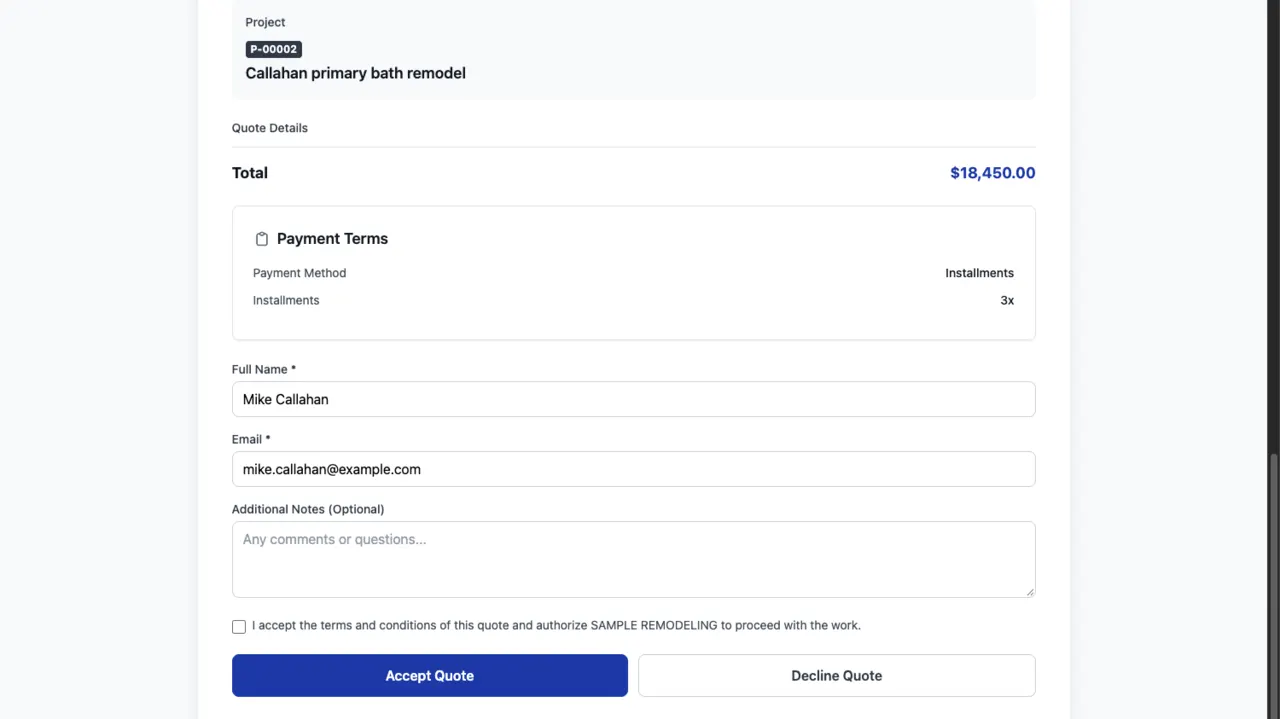
| Client portal | Estimate approval, signed change orders, card or ACH payments, files and upcoming visits | Timeline, daily updates, selections, payments and messages |
| Daily log | Dictated in English, Spanish or Portuguese, drafted for signature | Dictated notes transcribed by Houzz AI, photos and weather |
| Schedule | Gantt with task dependencies | Project schedule |
| Job costs | Budget, committed and actual by cost code | Budget and job costing |
Questions
Can I move from Houzz Pro to Groundflag?
Yes. Add your clients and open jobs, and send estimates from Groundflag; the 30-day trial needs no card. Keep your Houzz profile for marketplace leads if it brings you work.
Does Groundflag help me sell, or only run the job?
Both, with a different focus: estimates with good, better and best options the client accepts and signs online, deposits, and a public page that takes requests. Design tools such as 3D plans and selection boards are where Houzz Pro is ahead.
Sources
- Houzz Pro Selections, checked on October 16, 2026
- Houzz Pro Client Dashboard, checked on October 16, 2026
- Houzz Pro daily logs, checked on October 16, 2026
- Houzz Pro 3D floor plans, checked on October 16, 2026
- Houzz Pro: schedule meetings with clients and leads, checked on October 16, 2026
Keep reading
Questions? Write to hello@groundflag.com